Free course
Typing lessons for kids
Learn to touch type, typing without looking at the keyboard, one small step at a time. We start on the home row and build up slowly, the correct way, so your fingers learn the right habits from the very beginning. Free, no sign-up, works in your browser.
Start the right way
The secret to fast typing is learning it slowly and correctly. Rest your fingers on the home row, use the correct finger for each key, and watch the screen, not your hands. Do the lessons in order and do not skip ahead, even when it feels easy. Speed comes on its own once your fingers know the way.
For teachers and parents: let the child take their time and praise careful, correct typing over fast typing. Accuracy first, always. Little and often beats one long session.
Meet your fingers
Every finger has its own keys and always comes back to its home spot. The same colours appear on the hands and on the keyboard below, so you can learn which finger goes where before you start.
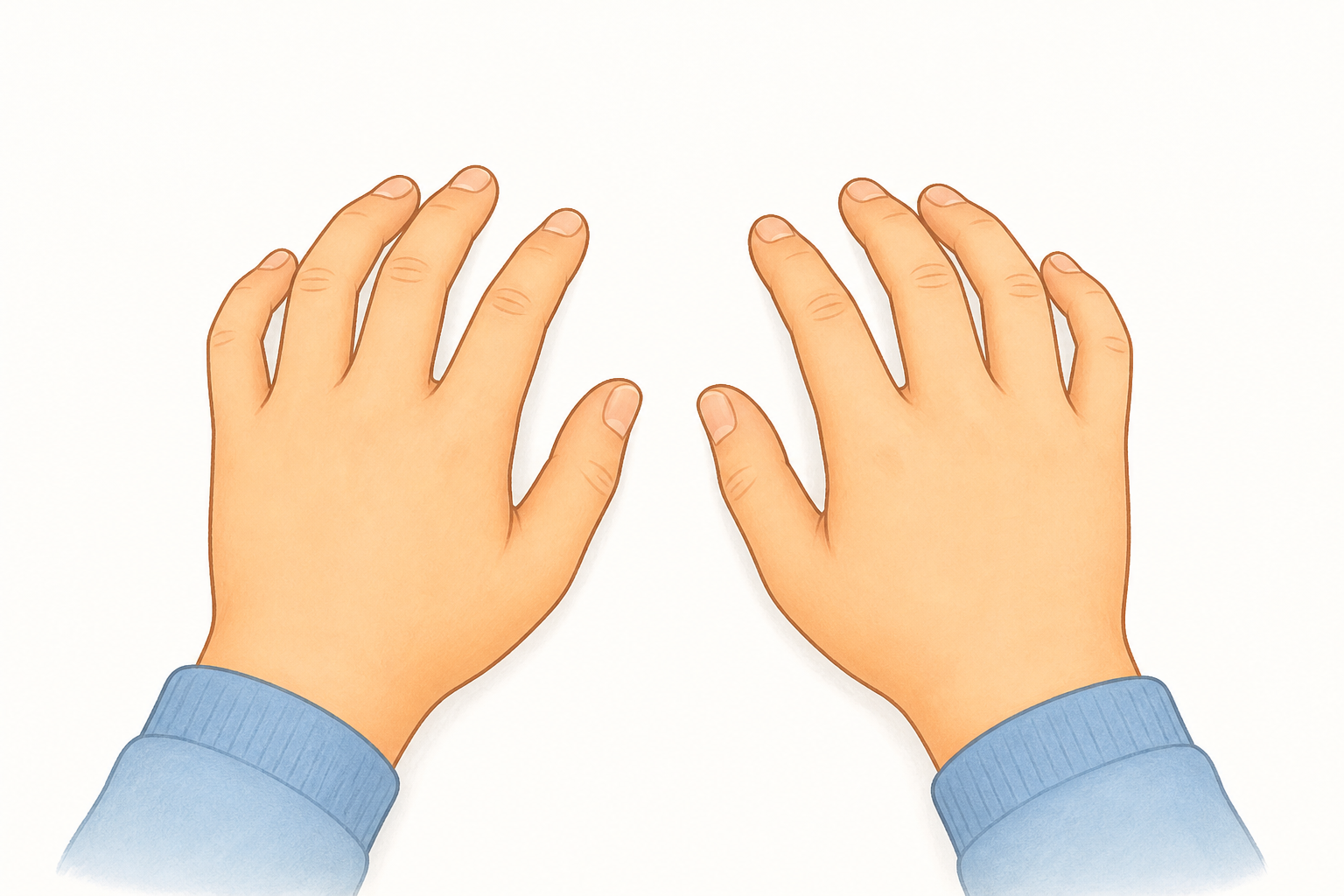
Rest your fingers lightly on these eight keys. This is home. After every key, your finger comes straight back here.
- left little finger1 ` q A z
- left ring finger2 w S x
- left middle finger3 e D c
- left index finger4 5 r t F g v b
- right index finger6 7 y u h J n m
- right middle finger8 i K ,
- right ring finger9 o L .
- right little finger0 p ; / - = [ ] '
The capital letter in each row is the home key that finger rests on.
The same colours on a full keyboard, exactly what you will type on in every lesson.
The course
22 short lessons, in order from easiest to hardest. Finish one and its tick turns green. Come back any time; your progress is saved on this device.
Home row
- Home row: f and jFind the home row by feel using the bumps on f and j, your index-finger keys.
- Home row: d and kAdd the middle fingers without lifting the index fingers off f and j.
- Home row: s and lReach the ring fingers to s and l and return to home.
- Home row: a and ;Train the little fingers on the outside keys a and semicolon.
- Home row: g and hStretch the index fingers inward to g and h, then play the whole home row.
Top row
Bottom row
Capitals
Numbers & symbols
- Numbers: the top rowReach each finger straight up to its number without looking down.
- Punctuation and symbolsAdd the everyday punctuation that finishes real sentences.
- Practice: fast number entryDrill everyday number formats, prices, times and phone numbers, at speed. Works the same whether you use the top row or a numpad.
Fluency
- Fluency: the most common wordsType the words you meet most often as smooth single bursts.
- Fluency: full sentencesBring it together: capitals, spaces and punctuation at speed.
- Practice: common spelling wordsType real spelling-list words so typing practice doubles as spelling practice.
- Practice: times tables in wordsType number facts in words to mix typing practice with maths facts.
- Fluency: geography factsType short, true facts about the world to build speed and general knowledge together.
- Fluency: science factsType short, true science facts, a fast-paced way to revise while you practise.
- Fluency: a longer passageKeep good technique across several sentences in a row, the way real writing feels.
Common questions
- Is the typing course really free?
- Yes. Every lesson and the typing test are free, with no account and no sign-up. Nothing is collected about your child; progress is saved on your own device.
- What age is it for?
- It is made for kindergarten to grade 6. The first home-row lessons suit the youngest typers with a grown-up nearby, and the later lessons carry all the way up. Any older beginner is welcome too.
- Why does technique matter so much?
- Fast typing comes from correct habits, not from rushing. If each finger learns its own keys from the start, speed builds by itself. Learning the wrong way is hard to undo later, so it is worth going slowly and getting it right.
- How does it track progress without a login?
- Your speed and accuracy for each lesson are stored in your browser on your device. There is no account, so nothing leaves the computer and there is no student data to protect.
Practising a specific skill? Pair typing practice with our free printable worksheets or the teaching guides.